SecurityExplainer
What End-to-End Encryption Actually Protects (and Doesn't)
A plain-language look at end-to-end encryption: it locks message content, but metadata, backups and your device can still be exposed.
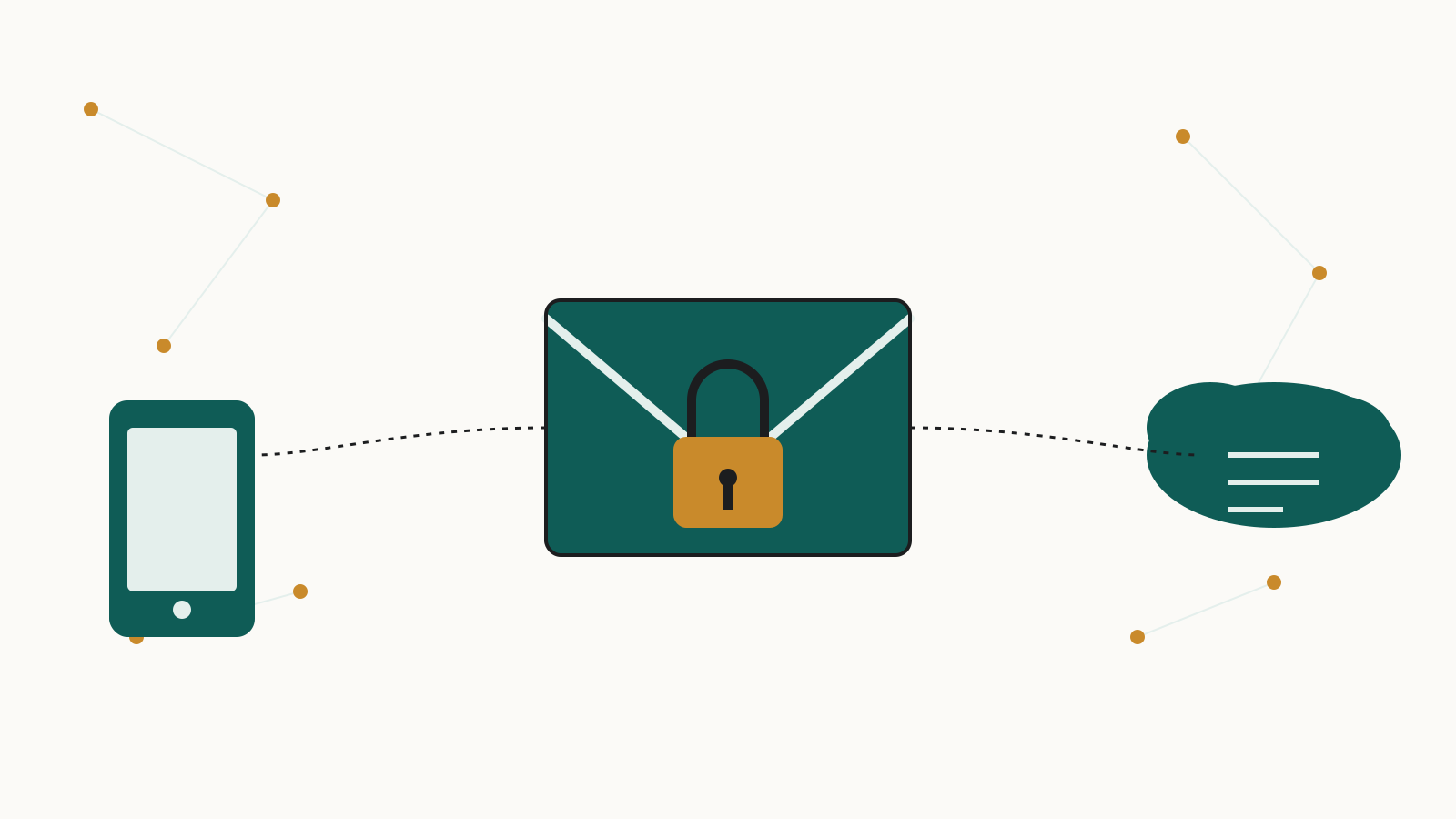
End-to-end encryption is usually sold as a one-line promise: only the sender and the recipient can read the message. That much is true. But the standards bodies and companies that actually build these systems are just as clear, in their own documentation, about where that promise stops — at metadata, at backups, and at the device itself.
What is end-to-end encryption and how does it work?
The National Institute of Standards and Technology defines end-to-end encryption as "communications encryption in which data is encrypted when being passed through a network, but routing information remains visible." In practice, your phone or laptop scrambles a message before it leaves the device, and only the recipient's device holds the key to unscramble it. The company running the app in between — Signal, Apple, Telegram, whoever — is supposed to see only unreadable ciphertext as it passes through their servers.
Signal's own technical documentation describes the machinery behind this for its app: a key-agreement step called X3DH that lets two parties authenticate one another using public keys while providing forward secrecy and cryptographic deniability, followed by the Double Ratchet algorithm, in which, as Signal puts it, "the parties derive new keys for every Double Ratchet message so that earlier keys cannot be calculated from later ones." That ratcheting limits the damage if a single key is ever exposed — older messages stay locked even if a later key isn't.
That's the guarantee: content, locked in transit, readable only at the two ends. Everything else is a separate question.
Does end-to-end encryption protect metadata (who you talked to and when)?
No — and this is built into the definition, not a flaw someone discovered later. NIST's glossary entry says routing information remains visible even as message content is encrypted. A messaging provider, or anyone able to observe its servers, can typically still see who is messaging whom, how often, and when — even without seeing what was said.
Encrypting what you say does not encrypt the fact that you said something, to someone, at a particular time. That routing pattern sits outside the end-to-end guarantee by design.
Are cloud backups (iCloud, Google Drive) end-to-end encrypted?
Often not, unless you turn on a specific setting yourself.
Apple's iCloud data security overview states that under the default configuration, called standard data protection, "Your iCloud data is encrypted, the encryption keys are secured in Apple data centers so we can help you with data recovery, and only certain data is end-to-end encrypted." Under that default, Apple holds the keys to major categories of iCloud data, including iCloud Backup.
That changes with a setting called Advanced Data Protection, which you switch on manually — it is not the default. Turning it on, per the same Apple overview, expands the number of end-to-end encrypted iCloud categories to 25, adding iCloud Backup, Photos, and Notes among others. The tradeoff is built into that same default-setting quote above: Apple keeps a copy of your keys so it can help recover your data if you lose access. Turning on Advanced Data Protection removes that copy — Apple no longer holds a way in, so no one but you can restore what's lost.
Gaps remain even with Advanced Data Protection turned on. Apple's Advanced Data Protection guide notes: "Because of the need to interoperate with the global email, contacts, and calendar systems, iCloud Calendar, Contacts, and Mail aren't end-to-end encrypted." The iCloud overview adds that some metadata — Apple points to timestamps and de-duplication checksums — keeps Apple holding the keys even for Advanced Data Protection users: "This metadata is always encrypted, but the encryption keys are still stored by Apple." And the same overview documents a separate toggle, found in iCloud.com settings, that can undo protection a user already switched on: turning on data access there hands "the web browser that you're using and Apple" temporary access to the same device-provided keys used to decrypt your information. Protection turned on is not protection locked on.
Android's backup system, documented for developers by Google, has a similar conditional structure, with the deciding factor being your phone's own lock screen setting rather than a dedicated backup toggle. Standard Backup only becomes end-to-end encrypted, meaning Google doesn't hold the key, under specific conditions: "Starting from Android 9, if the device has a lock screen set, then the backup data is not only encrypted, but encrypted with a key not known to Google (the lock screen secret protects the encryption key, thus enabling end-to-end encryption)." Without a lock screen set, or on older Android versions, backups are still encrypted, but with a key Google can access. Google's own guidance to app developers underlines that this isn't automatic: it recommends "requiring end-to-end encryption which means allowing backups only on Android 9 or higher and only when the lock screen is set" — phrasing that only makes sense if the stronger protection isn't guaranteed by default.
Telegram sidesteps the backup question by not backing up Secret Chats at all. Its FAQ acknowledges the tradeoff directly, noting that the problem of restoring chat history on a newly connected device "does not have an elegant solution in the end-to-end encryption paradigm" — which is why ordinary Cloud Chats, not end-to-end encrypted, exist alongside Secret Chats in the first place.
The pattern across all three is the same: full end-to-end protection of your chat history is usually a switch you have to find and flip yourself — Advanced Data Protection inside iCloud settings, a lock screen on Android, or, on Telegram, accepting that a protected chat simply won't sync or back up anywhere.
Can a hacked or unlocked phone defeat end-to-end encryption?
Encryption in transit says nothing about what happens before a message is encrypted or after it's decrypted. A message has to exist as plain, readable text on your screen and in your device's memory at some point — that's how you read it. If a phone is unlocked, infected with spyware, or physically in someone else's hands, that plaintext is available to them regardless of how strongly the message was protected while crossing the network.
None of the documentation cited here claims to cover that risk, because it falls outside what end-to-end encryption is built to do. NIST's definition describes encryption of data crossing a network, full stop. The strength of the encryption is only as good as the security of the device, account, or setting that holds or grants access to the keys.
Which apps use end-to-end encryption by default, and which only offer it as an option?
| Platform / feature | Content in transit | Backups | Source |
|---|---|---|---|
| Signal messages | End-to-end encrypted via X3DH and the Double Ratchet | Not addressed in the documentation cited here | Signal docs |
| iCloud data, standard setting | Only certain categories end-to-end encrypted; other categories, including iCloud Backup, decryptable by Apple | iCloud Backup not end-to-end encrypted by default | Apple iCloud overview |
| Same, with Advanced Data Protection on | More categories end-to-end encrypted, including iCloud Backup, Photos, and Notes; Mail, Contacts, Calendar still excluded | Included above; Apple no longer keeps a copy of the keys, so it cannot help you recover the data | Apple Advanced Data Protection guide |
| Telegram Secret Chats | End-to-end encrypted | Not backed up to the cloud at all; device-specific | Telegram FAQ |
| Telegram Cloud Chats | Not end-to-end encrypted | Stored on Telegram's servers | Telegram FAQ |
| Android app data, Standard Backup | Covers app data and device settings, not message content | End-to-end encrypted only on Android 9+ with a lock screen set | Android backup guidance |
The pattern isn't that some apps are secure and others aren't. It's that end-to-end encryption is frequently a mode within a product, not a blanket property of it — on by default for one category of data, optional for another, and absent for anything that needs to interoperate with older systems like email.
What are the pros and cons of end-to-end encryption?
The upside, documented across Signal's protocol description and NIST's definition, is real: message content is unreadable to the network in between, keys rotate per message in systems like Signal's, and turning on a stronger setting like Advanced Data Protection measurably expands what's protected, as Apple's own overview lays out.
The downside is that the guarantee is narrow and depends on choices you have to make and remember. Metadata about who you talk to survives untouched, as NIST's definition makes clear. Backups default to provider-held keys on both Apple's and Android's systems unless you turn on a specific option — Advanced Data Protection, or a lock screen, as Google's own developer guidance spells out — and the price of holding the only key is that nobody can recover the data for you. No amount of protocol strength changes what happens if the device reading the message is already compromised, unlocked, or handed to someone else. End-to-end encryption is a precise technical promise about data in transit between two points; it was never designed to be a promise about everything else.
If you want to see the full extent of what a company holds about you beyond message content, our guide on how to ask a company for all the data it holds on you walks through that request process.
Sources
- National Institute of Standards and Technology csrc.nist.gov
- technical documentation signal.org
- iCloud data security overview support.apple.com
- Advanced Data Protection guide support.apple.com
- Google developer.android.com
- FAQ telegram.org