 Privacy Unpacked
What Is Your Advertising ID, and Should You Delete It?
Learn what your phone's advertising ID is, who tracks you with it, and the exact steps to reset or delete it on Android and iOS.
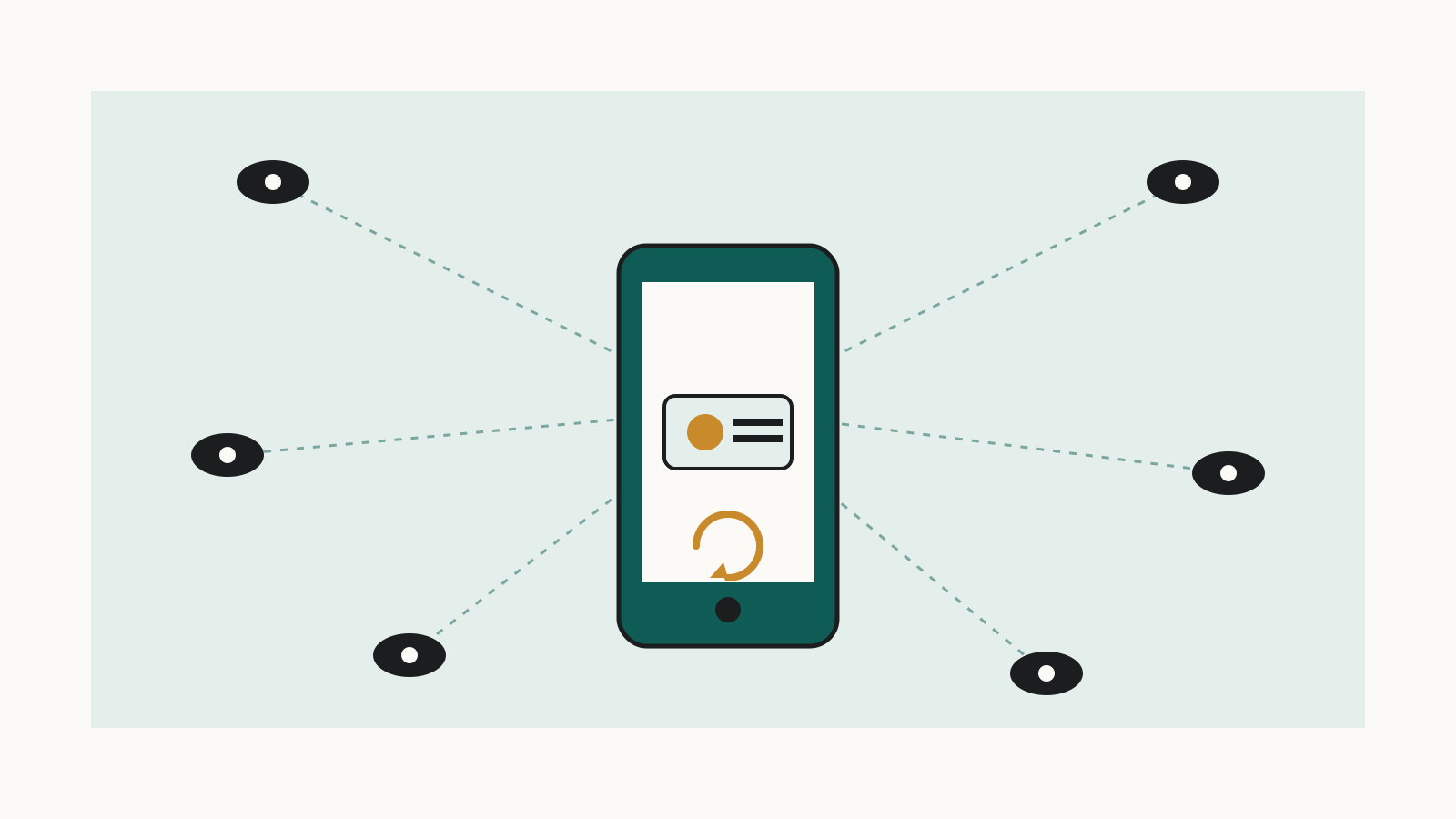
You already know websites track you with cookies. Your phone has a quieter version of the same thing: an advertising ID baked into the operating system. Short answer: yes, delete or reset it — it's free, takes under a minute, and it won't break your apps. Just don't expect it to make ads go away. Here's what it is, who uses it, and the exact steps, from Google's and Apple's own documentation.
What is my phone's advertising ID?
On Android it's called the AAID (Android Advertising ID). On iPhone it's the IDFA (Identifier for Advertisers). Google describes its own version in its Play Console help documentation as "a unique, user-resettable, and user-deletable ID for advertising, provided by Google Play services." It exists because cookies don't work inside apps. Google's ad technology policy page explains that "to serve ads in services where cookie technology may not be available (for example, in mobile applications), we may use technologies that perform similar functions to cookies." Apple's version, the IDFA, serves the same purpose on iPhone and iPad.
Who uses my advertising ID and why?
App developers, ad networks, and analytics companies attach it to your activity so they can build a profile of what you do across different apps and serve targeted ads. Apple's tracking permission system, App Tracking Transparency, exists because of exactly this. Apple's support page on app tracking says the feature "allows you to choose whether an app can track your activity across other companies' apps and websites for the purposes of advertising or sharing with data brokers." That last part matters: it's not just the app you're using — the ID can flow to outside companies you've never heard of, including data brokers.
What's the difference between resetting and deleting it?
Resetting swaps your current ID for a new random one. Any profile built on the old ID becomes harder to link to your future activity, but apps can start building a new one right away. Deleting is more permanent. Google's Play Console documentation states that "as part of Google Play services update in late 2021, the advertising ID will be removed when a user deletes their advertising ID in Android Settings. Any attempts to access the identifier will receive a string of zeros instead of the identifier." In other words, apps asking for it get nothing usable.
How do I delete or reset my advertising ID on Android?
On Android 12 and newer, follow this checklist, drawn straight from Google's own steps:
- Open Settings.
- Tap Privacy > Ads.
- Tap Delete Advertising ID and confirm — this permanently blanks it — or tap Reset Advertising ID instead for a fresh random one. On older phones (pre-Android 12), the path is Settings > Privacy > Advanced > Ads, where you turn on Opt out of Ads Personalization. Those devices don't offer full deletion — opting out is as far as you can go.
How do I limit ad tracking or reset the IDFA on iPhone?
- Go to Settings, then tap Privacy & Security, then tap Tracking — the exact path Apple gives for managing tracking permissions.
- Review the list of apps that have asked to track you and switch off any you don't recognize or don't trust.
- To block every app at once, turn off Allow Apps to Request to Track in that same menu. Apple says any app that asks afterward "will be treated as if you tapped Ask App Not to Track."
- Understand what this does technically: Apple states that if you choose Ask App Not to Track, "the app developer can't access the system advertising identifier (IDFA), which is often used to track."
- Don't worry about losing app functionality. Apple says you "can still use the full capabilities of the app, regardless of whether you allow the app to track your activity."
Will deleting it stop ads or just make them less relevant?
Just the second one. Deleting or resetting your advertising ID makes the ads you see less targeted, but it doesn't stop ads from appearing, and it doesn't stop all tracking. Google's ad technology page is explicit about this limit: "your advertising ID will be reset or deleted, but apps may have their own settings using other types of identifiers, which can also affect the types of ads you see." Apps can still track you through other identifiers and methods that don't rely on the advertising ID at all — a gap covered in our explainer on browser fingerprinting. Deleting the ID going forward also doesn't erase data companies already collected about you under the old one; for that, see our guide on getting data brokers to delete what they've already collected.
Resetting or deleting the ID is still worth doing. It's free, takes under a minute, and cuts the thread connecting your past app activity to your future activity. Just don't expect it to make ads disappear.
Sources
- Play Console help documentation support.google.com
- ad technology policy page policies.google.com
- support page on app tracking support.apple.com